
Nifty Tools for Rust
Rust helpers next to rust-analyzer: organize and merge use imports, move items into module files, split inline modules, toggle derives, and see the latest crate versions in Cargo.toml.
code --install-extension nifty.nifty-rust
Works in VS Code, Cursor, Windsurf, VSCodium and in the browser on vscode.dev and github.dev. Free.
Features
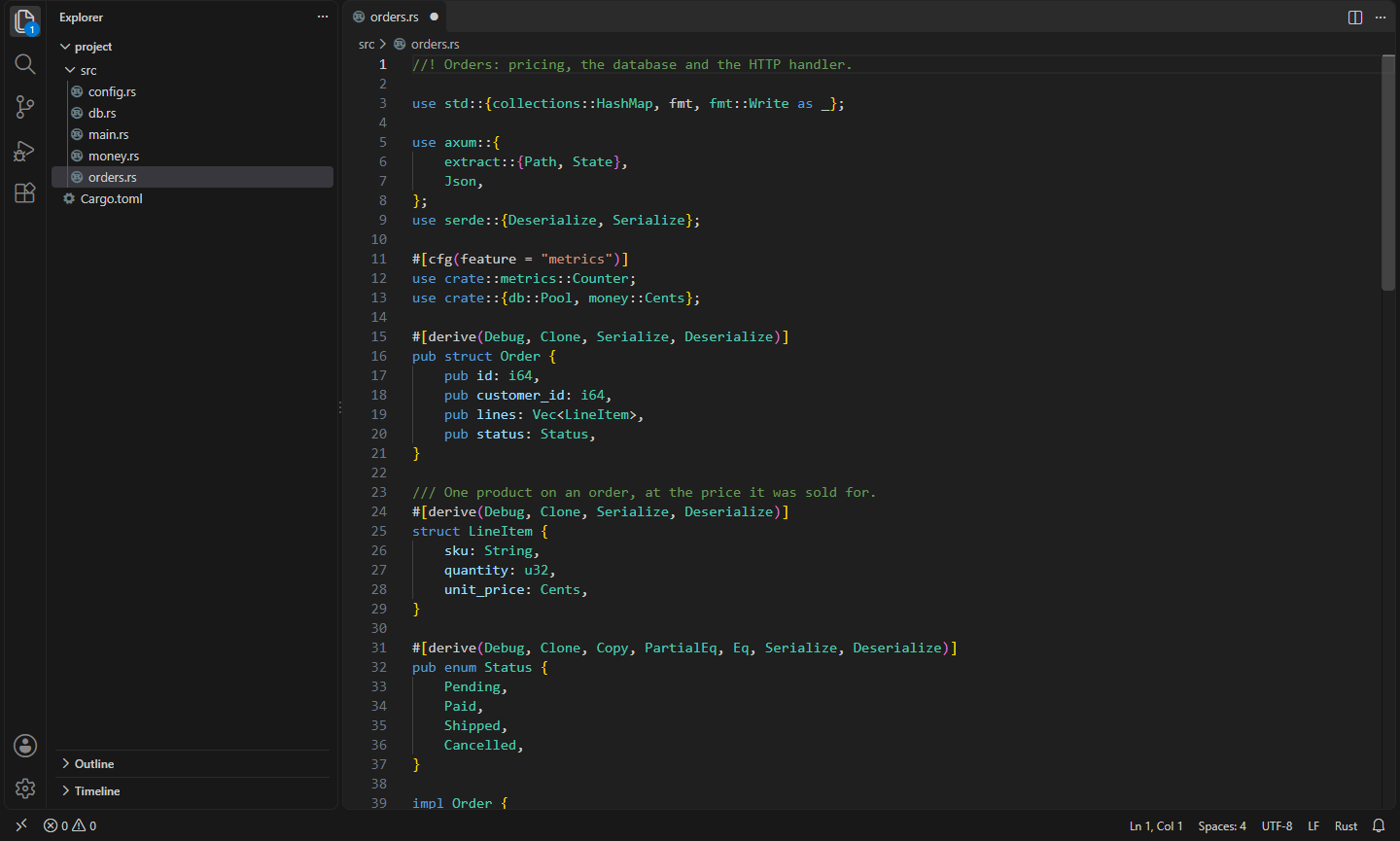


This extension works alongside rust-analyzer and doesn't repeat what it does (completion, diagnostics, go to definition, auto-import). It adds the file-level housekeeping that rust-analyzer leaves to you. Everything reads your code as text, so it works before the project builds, in huge workspaces, and in the browser.
- Organize Imports. Sorts, dedupes and merges
usedeclarations into nested trees (use std::{fmt, io, io::Read};), in groups: std, core and alloc; other crates;crate::;super::andself::. The merging follows rustfmt'simports_granularity(crate, module, item, preserve or one), and the order and line wrapping follow rustfmt, including the 2024 style edition's version sorting. If yourrustfmt.tomlsetsimports_granularityorgroup_imports, that's what it uses. Otherwise imports are merged per crate, exactly asrustfmtdoes withimports_granularity = "Crate"(rustfmt's own default is to leave them as written).#[cfg(…)]and other attributes stay on their imports, and only imports with the same attributes are merged.- Comments above or after an import stay with it.
pub usere-exports are kept apart from private imports.- Imports in inline modules (
mod tests { … }) are organized too. - Run it from the command palette, the editor's context menu, VS Code's Organize Imports (
Shift+Alt+O), or on save.
- Move Item to Module. Put the cursor on a function, struct, enum, trait, impl, type, const or static and choose Move … to module… from the light bulb. Pick an existing module (a file or an inline
mod) or name a new one. The item moves with its doc comments and attributes, and:- the new file goes where your crate keeps modules,
name.rsorname/mod.rs, - the imports and parent items it uses are imported in the module,
mod name;is added, and ause(orpub usefor public items) keeps the code that uses it compiling,- private items, fields and methods become
pub(super), so the parent keeps exactly the access it had.
- the new file goes where your crate keeps modules,
- Move Inline Module to Its Own File. Turns
mod tests { … }intomod tests;and atests.rs(ortests/mod.rs), keeping#[cfg(test)]and other attributes where they belong. - Change Derives. A checklist of
Debug,Clone,Copy,PartialEq,Eq,PartialOrd,Ord,Hash,Default, serde'sSerializeandDeserializewhen the crate uses serde, and your own. What a derive needs comes along:CopyaddsClone,OrdaddsPartialOrd,EqandPartialEq. - Latest crate versions in Cargo.toml. Hover a dependency to see its latest version on crates.io, whether your requirement includes it, its features, and links to docs.rs and crates.io. When a newer version is out of range, the light bulb updates the requirement (
0.7→0.8) and keeps your style. Answers are cached for an hour; setnifty.rust.crates.checkLatesttofalseto keep the extension offline.
Commands
| Command | What it does |
|---|---|
Nifty Tools for Rust: Organize Imports |
Sort, dedupe, merge and group the use declarations in the file |
Nifty Tools for Rust: Move Item to Module… |
Move the item at the cursor to a new or existing child module |
Nifty Tools for Rust: Move Inline Module to Its Own File |
mod x { … } → mod x; and x.rs |
Nifty Tools for Rust: Change Derives… |
Pick the derives of the struct, enum or union at the cursor |
Nifty Tools for Rust: Update Dependency to Latest Version |
In Cargo.toml, point the dependency at the cursor to the latest version |
Settings
| Setting | Default | What it does |
|---|---|---|
nifty.rust.imports.granularity |
auto |
crate, module, item, preserve or one; auto reads imports_granularity from rustfmt.toml, else crate |
nifty.rust.imports.groups |
auto |
stdExternalCrateLocal, stdExternalCrate (rustfmt's), one or preserve; auto reads group_imports from rustfmt.toml |
nifty.rust.imports.organizeOnSave |
false |
Organize imports when a Rust file is saved |
nifty.rust.moduleFileStyle |
auto |
file (name.rs), modRs (name/mod.rs), or whatever the crate already uses |
nifty.rust.moveItem.visibility |
super |
Visibility for moved private items: super, crate or none |
nifty.rust.derives |
[] |
Extra derives to offer, e.g. ["thiserror::Error"] |
nifty.rust.crates.checkLatest |
true |
Look up latest versions on crates.io |
nifty.rust.crates.apiUrl |
crates.io | The crates.io API to ask, for a mirror |
max_width, tab_spaces, hard_tabs and style_edition also come from rustfmt.toml, and the style edition follows your Cargo.toml edition like cargo fmt does.